By default, the MAXQDA folder is located in the “Documents” folder on your desktop. Here you will find your project file, the sample files, external files, and your backups with the file extension .mx24bac or .mqbac (depending on the version of MAXQDA that you are using).
Windows: C:\Users\USERNAME\Documents \MAXQDA\Backup
Mac: /Users/USERNAME/Documents/MAXQDA/Backup
In the MAXQDA settings, you can specify how often a backup file is created. The backup file’s name includes the date it was created.
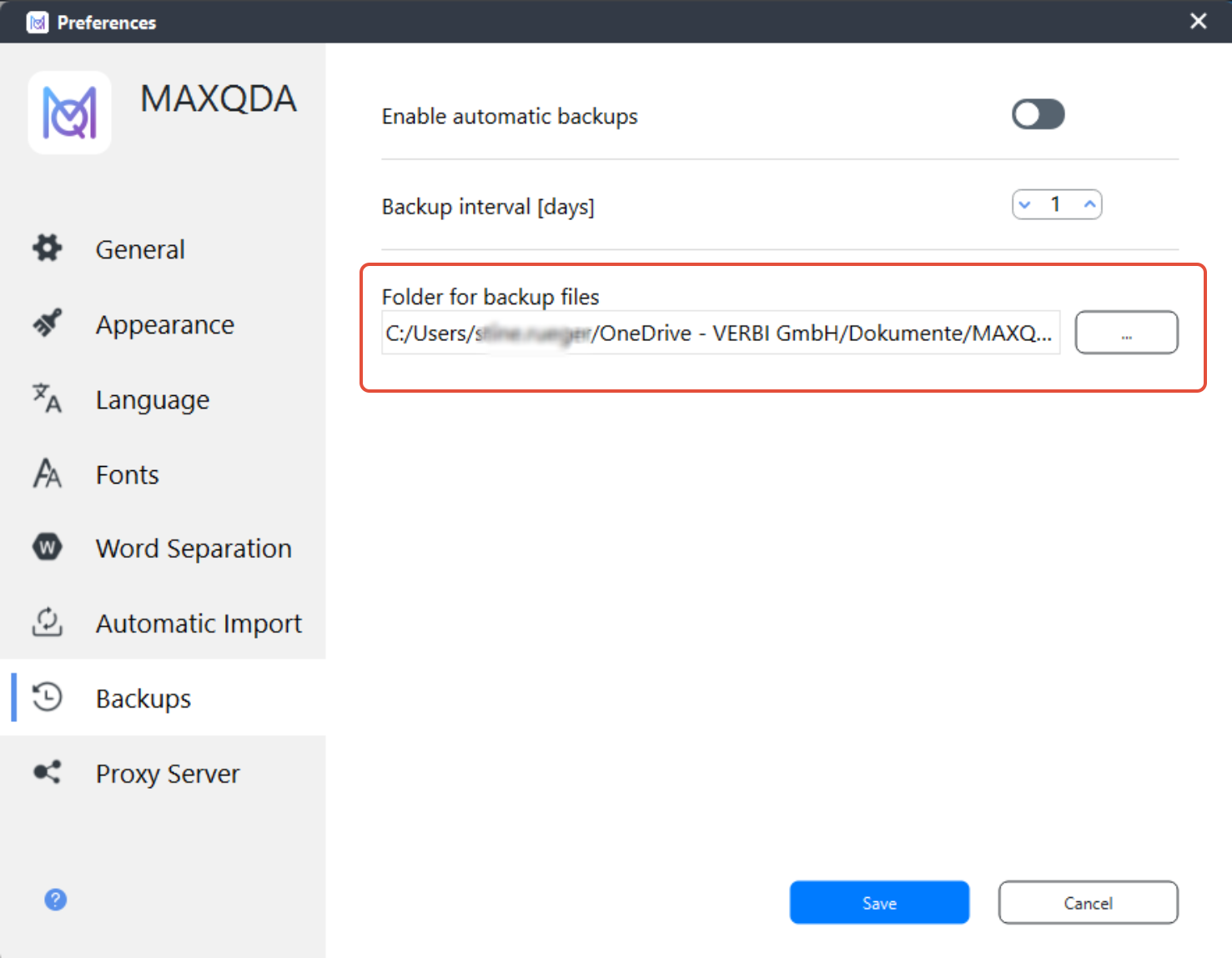
You can revert to an earlier version of your project at any time by opening an older backup file.
A new MAXQDA (.mx24 or .mqda) file will then be created automatically.
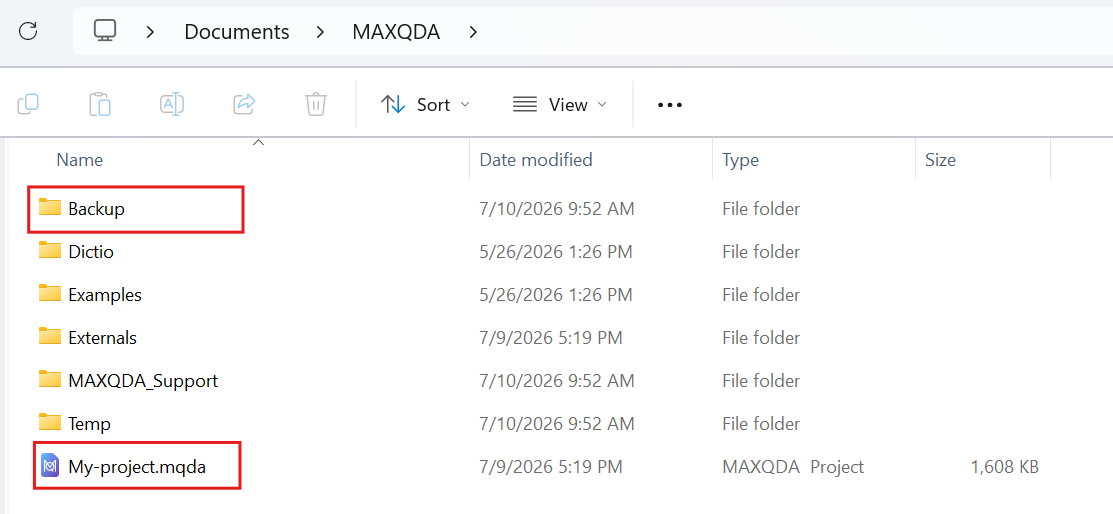
If the support team asks you to send your most recent backup file, you can copy the file directly from this folder and send it to us. You do not need to save it anywhere else.
Was this article helpful?
That’s Great!
Thank you for your feedback
Sorry! We couldn't be helpful
Thank you for your feedback
Feedback sent
We appreciate your effort and will try to fix the article