If you accidentally deleted a code or other parts of your project, you can undo the deletion using Ctrl + Z. If this is not possible, you can check your backup files to see if a backup file contains the deleted data.
If that is the case, you can export the data as a Teamwork project and then import it again.
A detailed guide on how to do this can be found here.
Another possibility is, if you use oneDrive you can open an older version of your project file in the version history of OneDrive: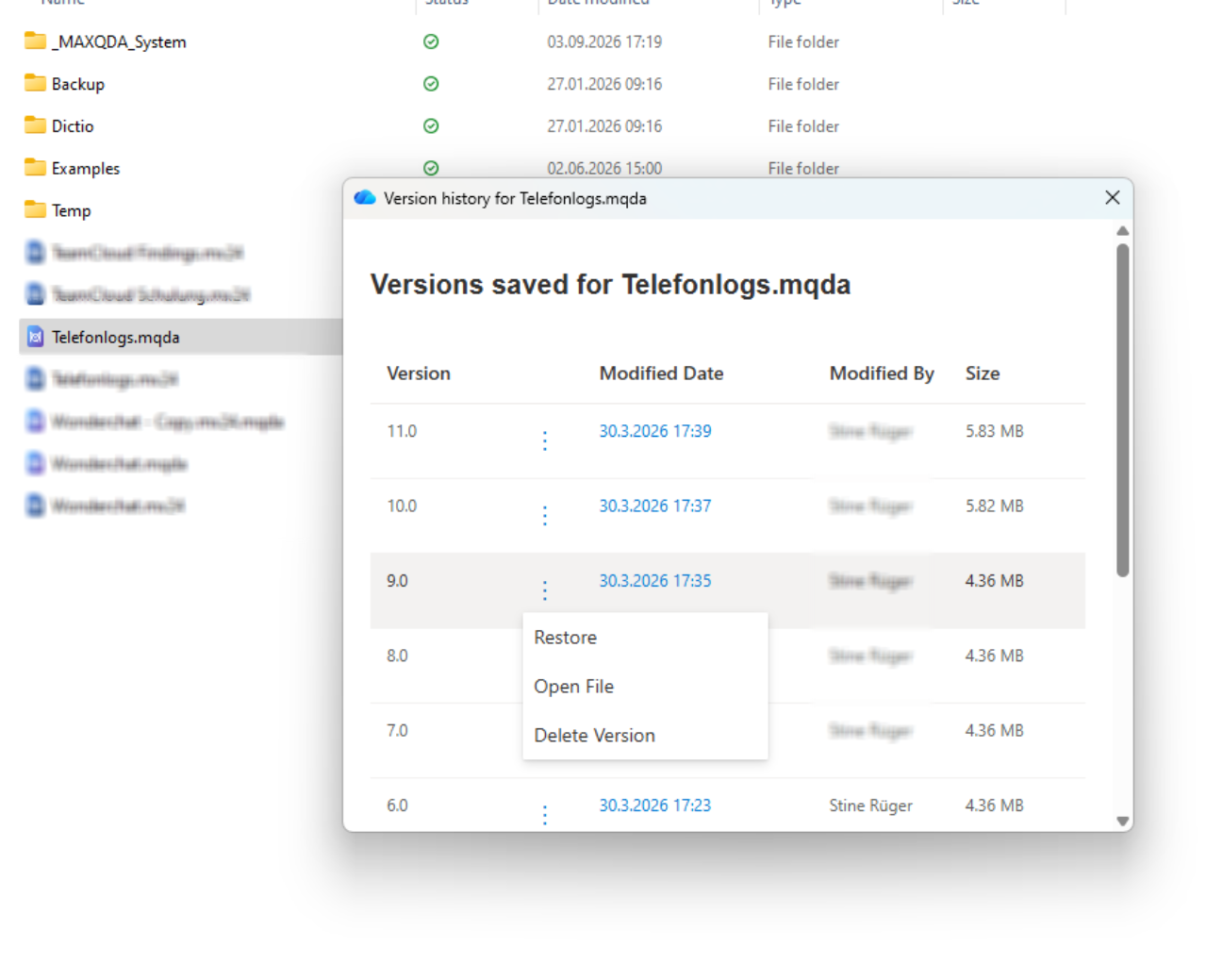
Was this article helpful?
That’s Great!
Thank you for your feedback
Sorry! We couldn't be helpful
Thank you for your feedback
Feedback sent
We appreciate your effort and will try to fix the article